Design your gym floor in 3D.
Before you move a single dumbbell.
For gyms and studios. Place real equipment at its real size, and catch tight spots before anything is delivered. Free to start.
No credit card required.
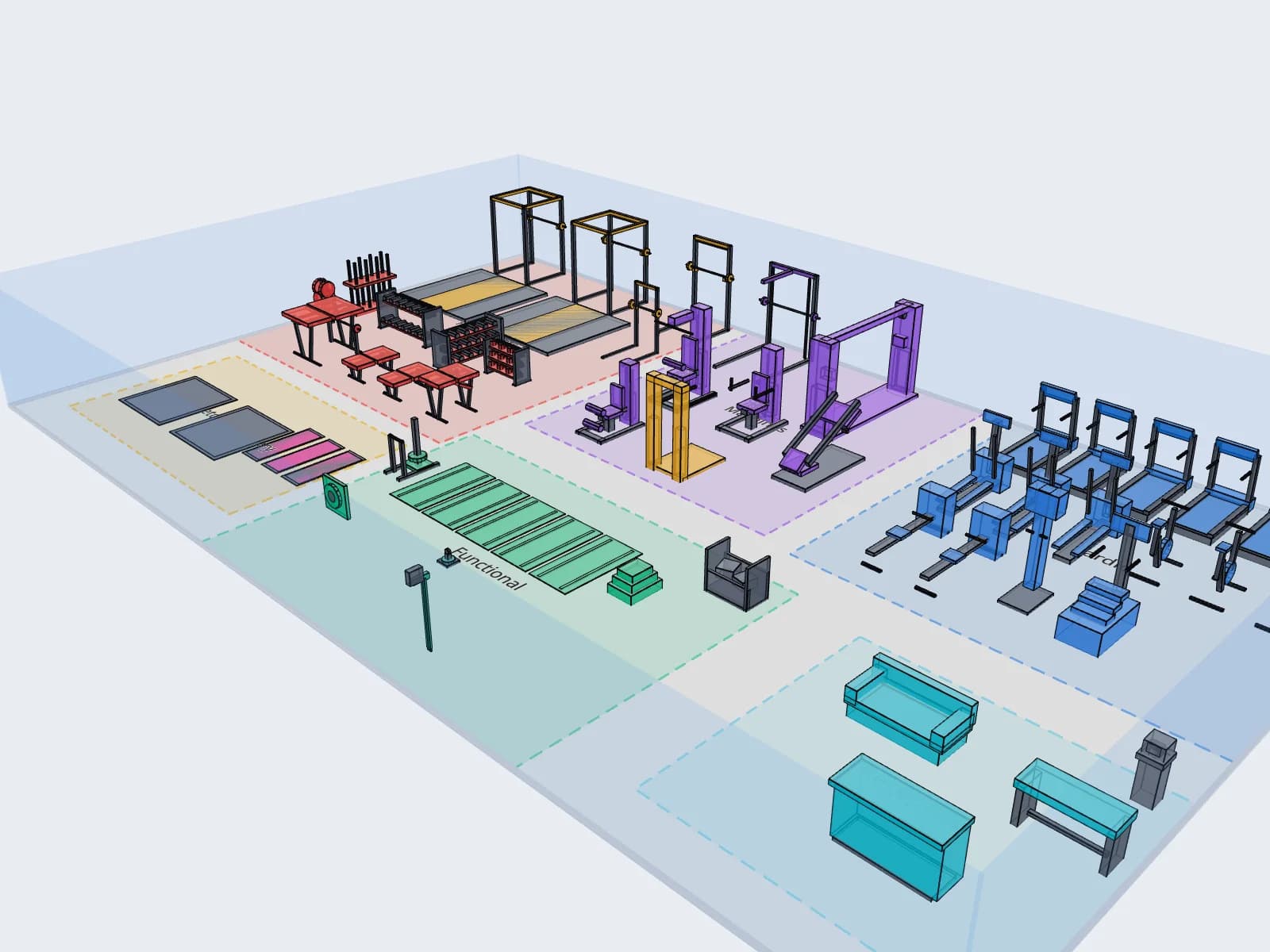
How it works
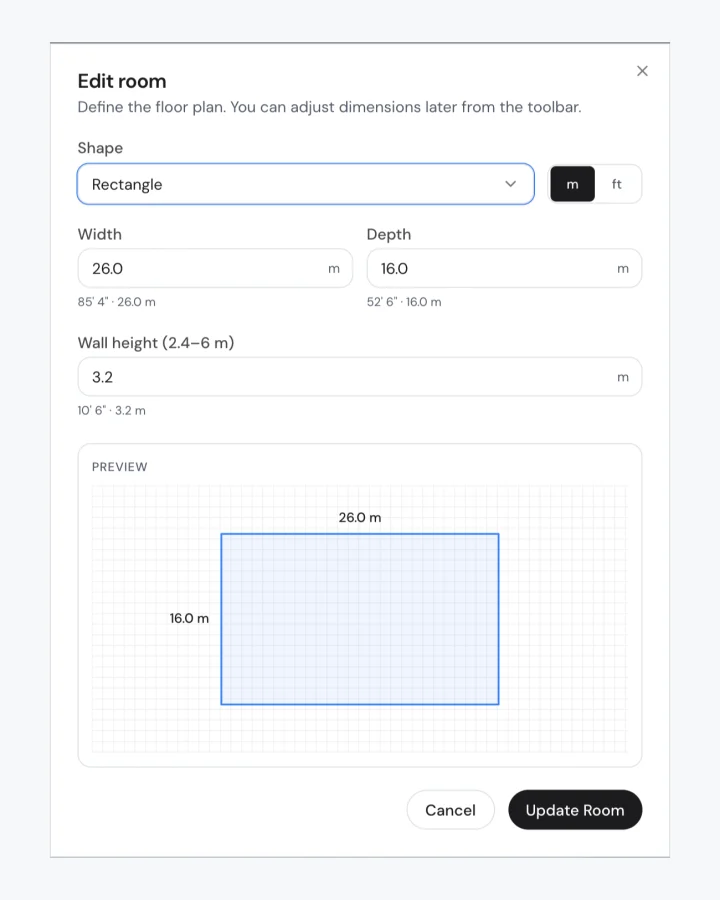
Step 1
Draw your room
Enter your width, depth and wall height. Add doors, windows and columns where they really are.
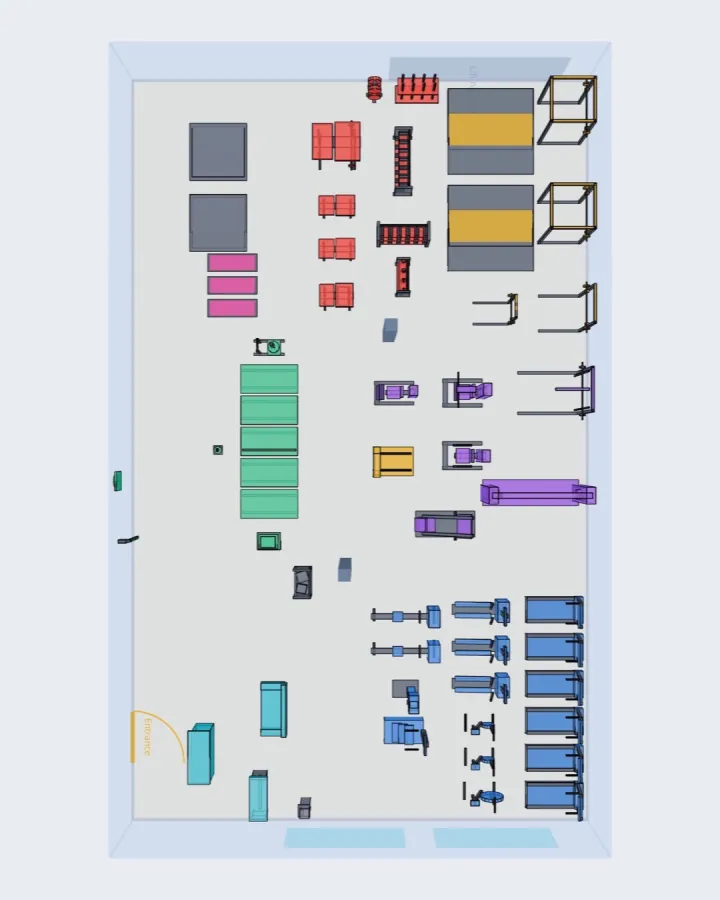
Step 2
Place equipment at real size
Pick from 60 equipment types with real dimensions and place them on the floor.
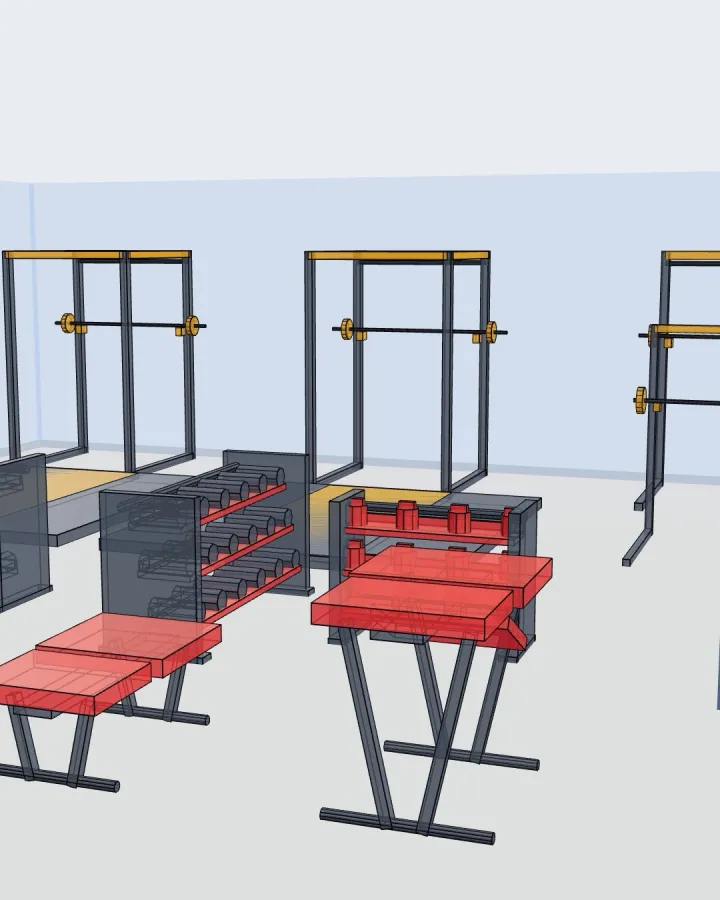
Step 3
See it in 3D and check the spacing
Walk around your layout in 3D and see how much room each piece really leaves.
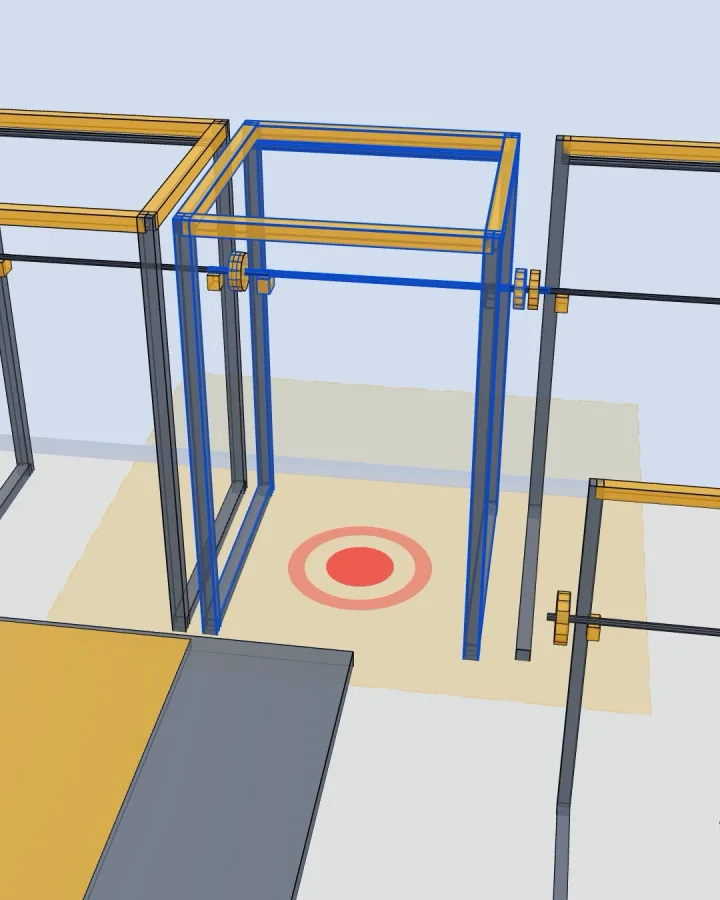
Catch problems before they happen
Every rack and bench needs room to load plates and step back. The spacing check marks each spot where a piece crowds the one next to it, so you find it on screen instead of on delivery day.
How much clearance gym equipment needsReal numbers from a real floor
- Open the demo
58 pieces
on the 4,478 sq ft demo floor, and the equipment itself covers only 24% of it
Open the demo- How much space a gym needs
750 sq ft
for a 10 piece starter gym, counting the clearance each piece needs
How much space a gym needs- Browse the equipment
60
equipment types with real dimensions and clearance, from racks to rowers
Browse the equipment
How Spatium stacks up
Sketches miss real dimensions, manufacturer tools only show their own brand, and CAD is built for architects.
| SSpatium | Ecdesign | Manufacturer Tools | SketchUp | |
|---|---|---|---|---|
| Brand-agnostic | ||||
| 3D visualization | ||||
| Compliance checkingPro | ||||
| Cost estimationPro | ||||
| Custom equipmentPro | ||||
| Traffic simulationBusiness | ||||
| Learning curve | Minutes | Hours | Minutes | Days |
Start free. Scale when ready.
No credit card required. Upgrade anytime.
Free
Start planning today
- 1 project
- 60 equipment types
- 3D editor + top-down view
- PNG screenshot export
- Grid snapping + collision detection
Pro
For serious gym managers
- Unlimited projects
- Custom equipment
- Compliance checker (NSCA, ADA)
- PDF layout report
- Zone system + clearance viz
- L-shaped and custom-shape rooms
- Cost estimation
Business
Multi-location operations
- Everything in Pro
- Multi-floor support
- Traffic flow simulation
- AI layout suggestions
- 50 version snapshots
See it in action, no sign-up required
Open a finished 58 piece gym. Move, rotate and add equipment, then look at it in 3D.